Image to 3D particles
01Upload PNG, JPG, or SVG artwork and turn visible pixels into a dimensional particle field.
Turn images, SVGs, and GLB models into interactive 3D particle animations. Customize particle effects online and export ready-to-use HTML or MP4 in minutes.
Capabilities
Particleify keeps the whole creative loop in the browser—from the first upload to a shareable animation file.
Upload PNG, JPG, or SVG artwork and turn visible pixels into a dimensional particle field.
Import a 3D model, preserve its form and color, then rotate it as an interactive particle object.
Preview Scatter, Vortex, Pulse, Wave, and Explode while tuning count, size, color, and control mode.
Download a standalone HTML scene for websites or record a high-resolution MP4 for video workflows.
Particle Scenes
Explore particle typography, living galaxies, and flowing starlight. Pick a scene and make it your own.
View all scenes →Typography / Halftone
Turn letters into intricate particle artwork. Shape your type with grids, mirrored fields, and layered echoes.
Space / Galaxy
Shape a living galaxy. Explore its color, density, motion, and camera to create your own particle universe.
Motion / Starlight
Bring light into motion. Explore spirals, galaxies, glowing text, and images with flowing particles and starbursts.
Typography / Interaction
Hover a luminous letter to morph its entire particle cloud into a second word, then move away to restore it.
Community cases
Explore particle scenes published from the editor, then remix any case and make it your own.
View all cases →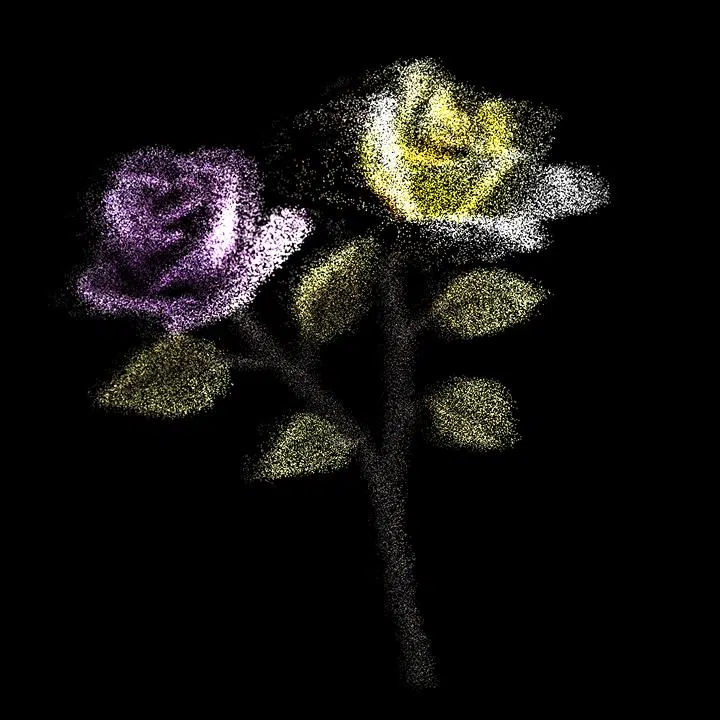
Transform a velvet rose photograph into a 90,000-point interactive 3D particle scene with natural source colors.
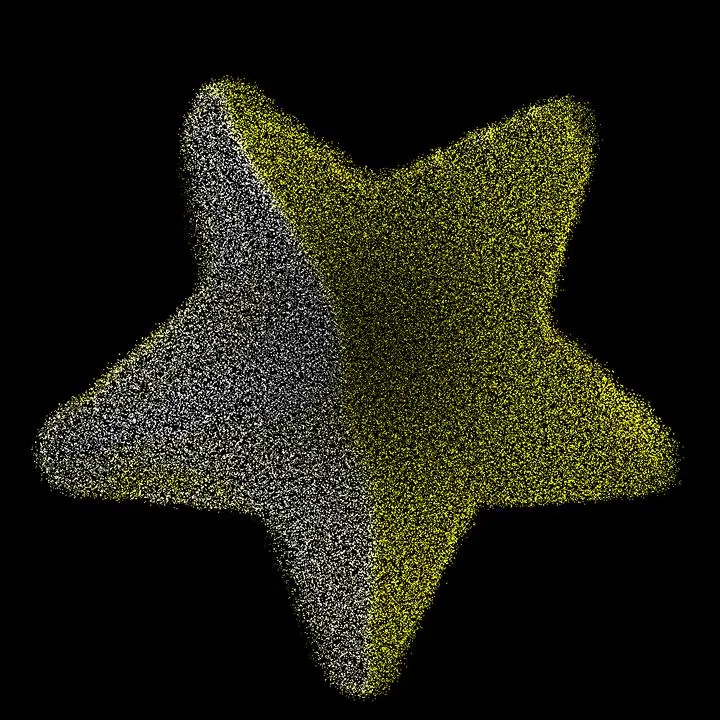
Rebuild glowing star artwork as a 90,000-particle WebGL scene for interactive backgrounds and hero sections.
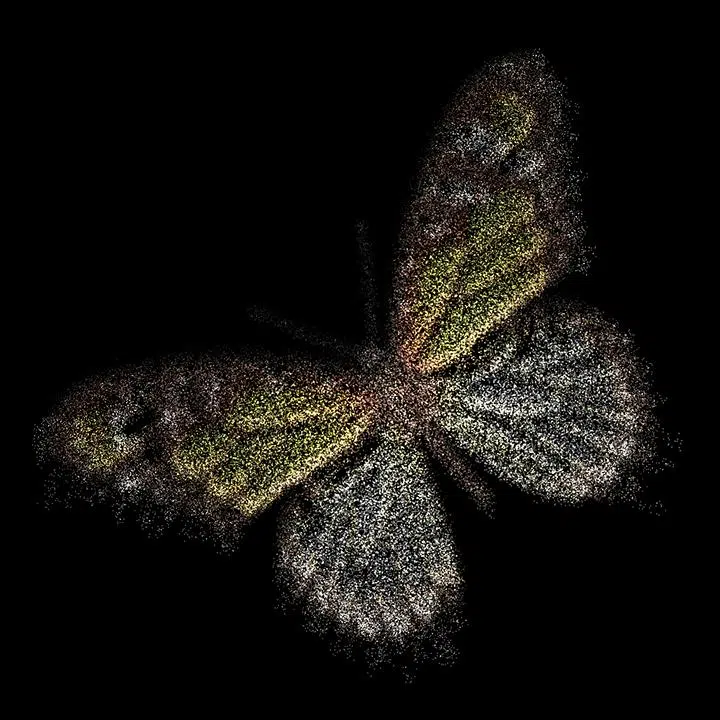
Turn butterfly artwork into a responsive 3D particle animation with original colors and smooth camera interaction.
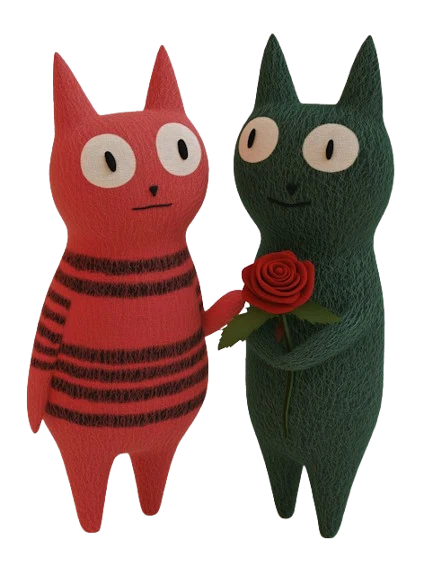
Recreate a rose-framed cat portrait as an interactive 90,000-particle composition for web and motion design.
Choose an image, SVG, GLB model, or a built-in shape.
Tune density, scale, color, movement, and interaction in real time.
Download interactive HTML or record an MP4 up to 60 seconds.
FAQ
Particleify accepts common image formats, SVG artwork, and GLB 3D models. You can also start from built-in shapes such as hearts, spheres, stars, and DNA.
No. The generator provides visual controls for particle count, size, motion, color, shape, camera behavior, and export.
Yes. HTML export creates a standalone interactive scene that can be integrated into a landing page, portfolio, or product experience.
Yes. Particleify records the current scene in the browser and can export a 720p, 1080p, 2K, 4K UHD, or source-size MP4 up to 60 seconds.
Render diagnostics


